How to Connect your MT5 Account to PF1
This guide provides a straightforward walkthrough for connecting your MetaTrader 5 (MT5) trading account to PF1 (Prop Firm One). You'll learn how to link your account using your MT5 credentials, configure the proper account settings, and verify successful integration with PF1's trading management platform. The process works for all account types including evaluation, funded, live, and demo accounts across various prop firms and brokers.
Unlike other platforms, MT5 integration with PF1 uses your standard account login credentials, making the setup process quick and simple. The entire connection typically takes just a few minutes to complete.
Here's a clearer, step-by-step guide for connecting your MT5 account to PF1:
Step-by-Step Connection Process
1. Create a New Account in PF1
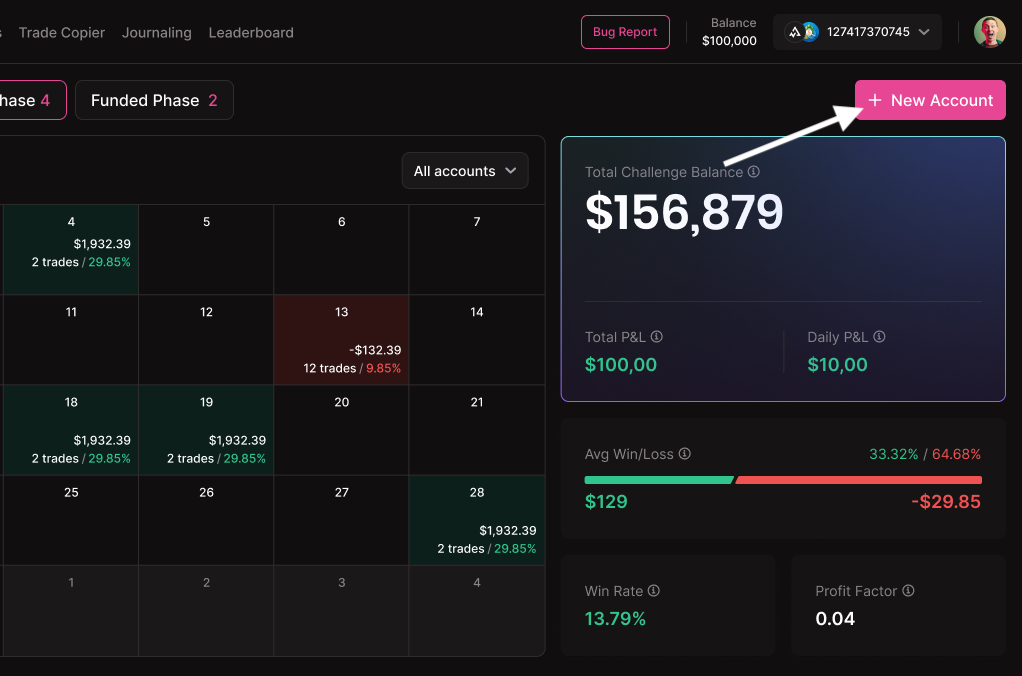
Log into your PF1 dashboard and click the "New Account" button
2. Select Your Account Type and Provider
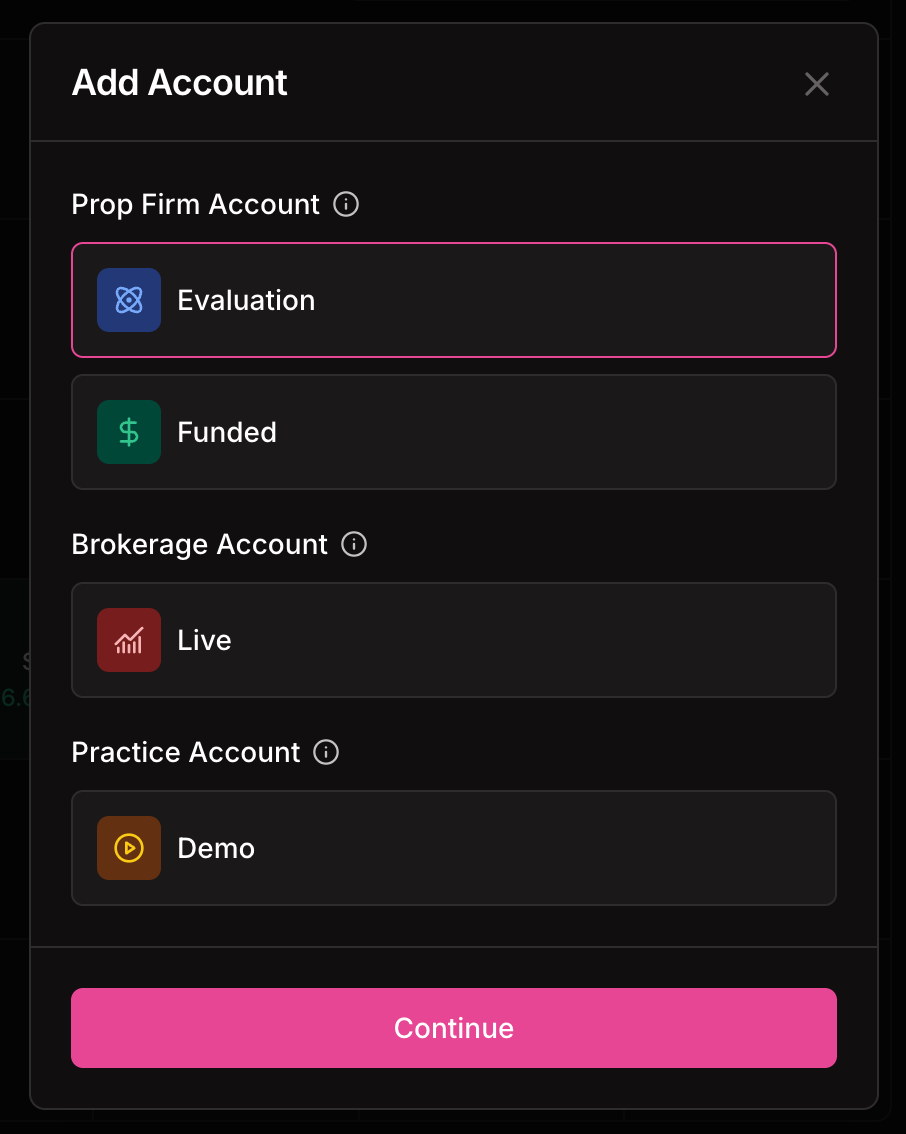
Choose your account type: Evaluation, Funded, Live, or Demo Broker
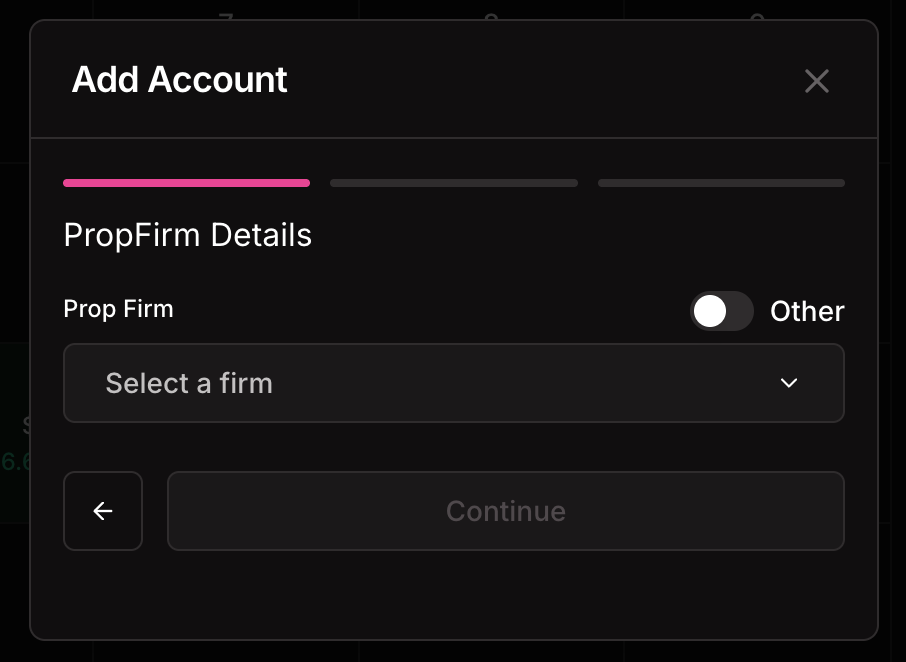
Select your specific prop firm or broker from the dropdown menu
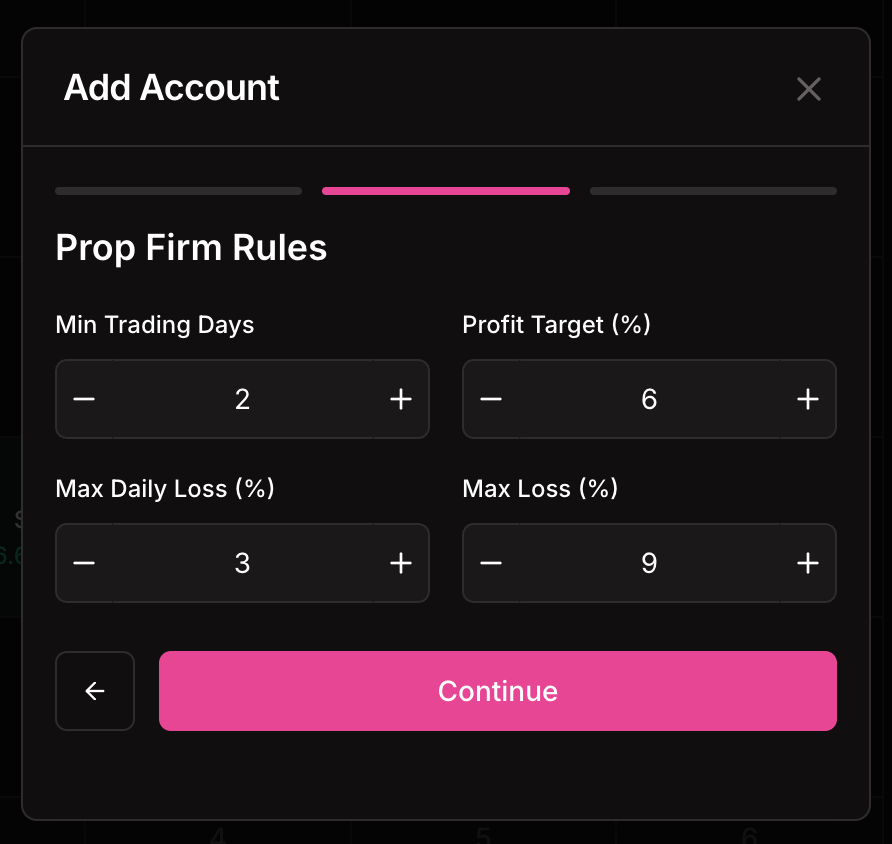
Configure the evaluation and risk management criteria that match your prop account requirements
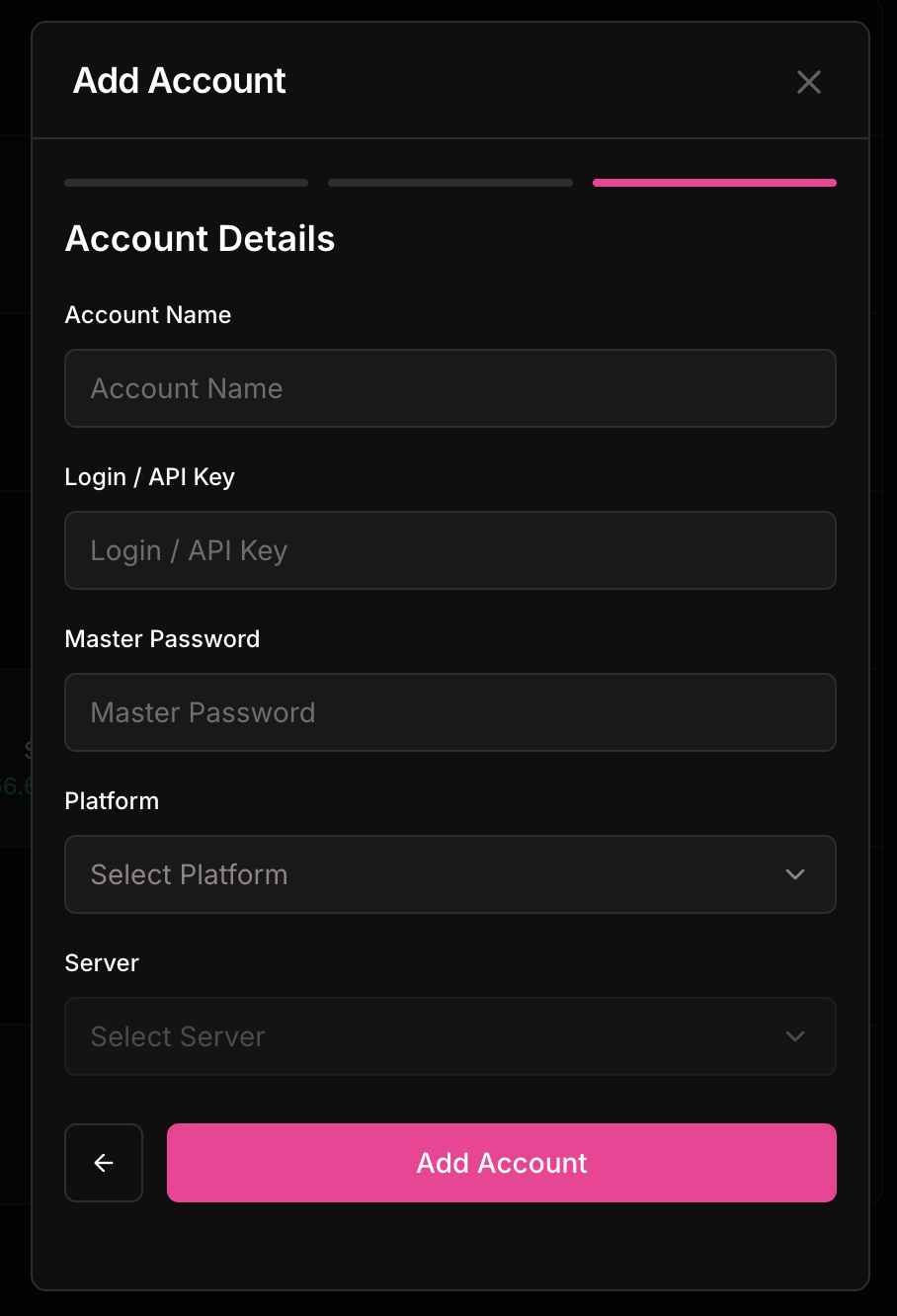
3. Enter Your Account Details
Account Name: Create a custom name that helps you identify this account
Login/API: Enter your MT5 challenge or trading account number
Password/Secret Key: Use your MT5 account master password
Platform: Here select MT5
Server: Select the server that corresponds to your account
4. Complete the Connection
Submit your account details and wait for the "Success" confirmation message
5. Verify Your Connection
Refresh your PF1 dashboard
Your connected MT5 account should now appear in the account list in the top right corner
The setup process is straightforward and typically completes within a few minutes once you have your MT5 account credentials ready.
Was this helpful?
Still need help? Share an idea